REAOX

Technology / Middleware

Put RFID devices to work in real operations.

REAOX middleware sits between RFID hardware and your software. It handles device connection, capability control, command execution, EPC events, device status, and remote operations, so applications and business systems receive clean, reliable data.

  • Android SDK
  • DeviceAdapter
  • REST API
  • RFID events

01Integration paths

Start from what you already have.

Pick the part of the system you own today. Each path shows where you connect, what to prepare, and what you get.

I have RFID devices

Connect a device through a device adapter

Share the device model, vendor SDK, and capability list. REAOX absorbs the vendor differences so every app and system above it sees the same commands and events.

See supported devices
Where you connect
Device adapter layer
What to prepare
Vendor SDK, model details, Android version
What you get
Standard capability codes and event format

02Platform components

One device language for the console, the SDK, and the API.

Device differences across manufacturers and models are normalized in the adapter layer. Applications integrate through a consistent permission model, command set, and event contract, keeping device onboarding and business-system integration clear, reliable, and extensible.

REAOX Console

Operations workspace

Operations console

Manage devices, permissions, and field operations

Service running

Devices

  • RX-1Ex3010Field inspectionOnline
  • Swing-U901Mobile stocktakeOnline
  • New modelAdapter under reviewPending

Recent events

  • EPC readReceived
  • Command resultConfirmed
  • Device statusUpdated

Authorized capabilities

  • Initialize
  • Inventory
  • Stop reading
  • Write tag
  • Status

Read activity

Tracked by device and task

Change log

  • Configuration changeTraceable
  • Version updateAuditable

Illustration, not live data

Operations consoleCONSOLE

Manage devices, permissions, and field operations

For administrators and device teams who register devices, grant access to apps, and keep devices running.

  • Device categories and models
  • App and capability authorization
  • Command and event records
  • Alerting, diagnostic, and version-management interfaces

Android SDKSDK

Call any supported device the same way

For app developers who want RFID in their Android app without maintaining each vendor's SDK.

  • Authorized sessions
  • Initialize, read, inventory, write
  • EPC and status callbacks
  • Offline strategy and resend mechanism

Platform APIAPI

Deliver reliable events to business systems

For back-end teams connecting ERP, WMS, MES, or custom systems to RFID data.

  • App authentication
  • Device and capability queries
  • Command tasks
  • EPC and device event callbacks

03Device access

Start with current hardware and keep a clear path for the next device.

These models can be evaluated for project integration. Additional devices can join through the same adapter model without changing the upstream interface.

FIG.01RX-1Ex3010 industrial RFID terminal
Project integrationIndustrial terminal

RX-1Ex3010

For hazardous-area work, industrial inspection, and asset verification. Hazardous-location use still requires project-level certification review.

  • Hazardous areas
  • Android
  • RFID read/write
View product details
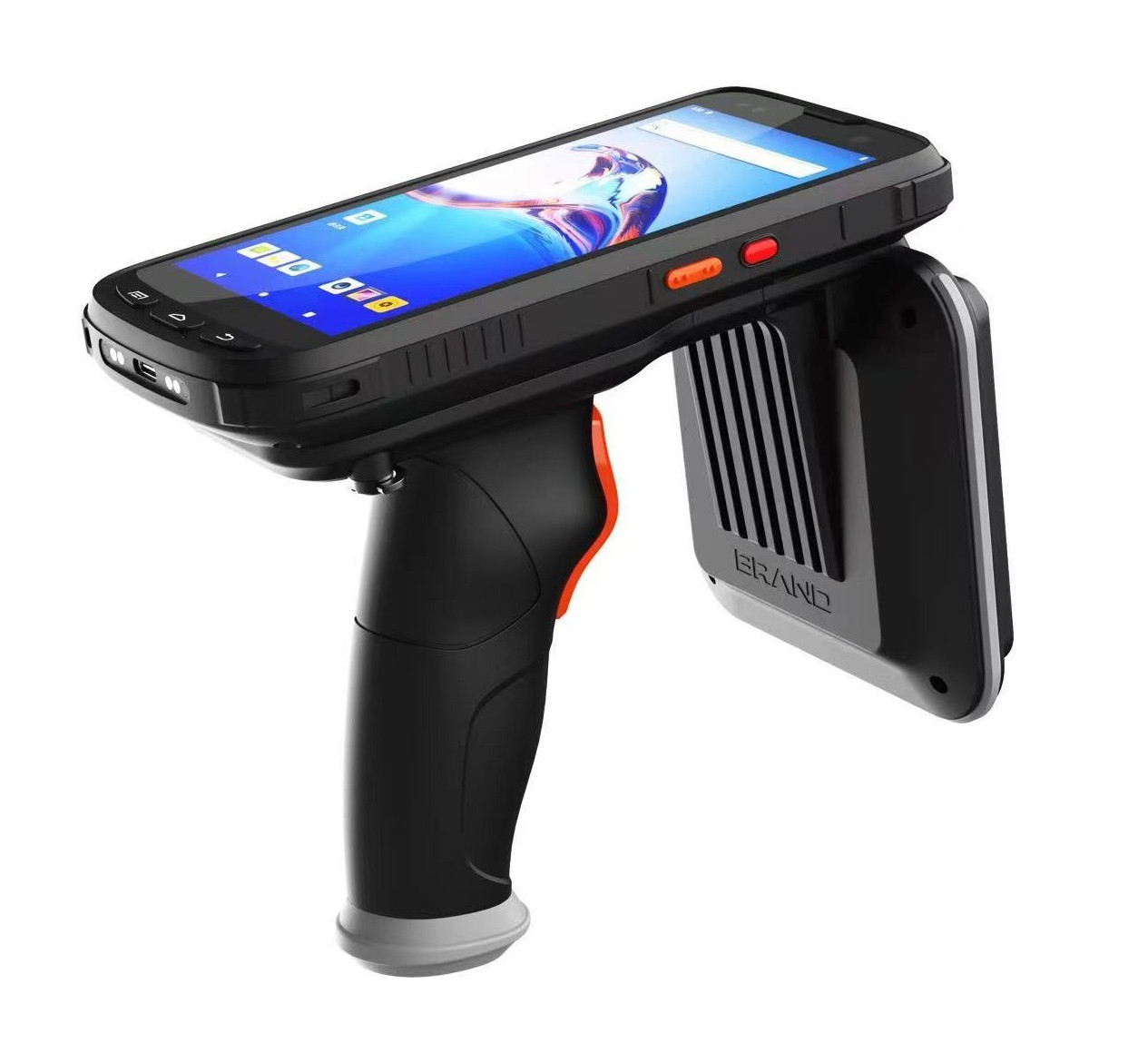
FIG.02Swing-U901 handheld RFID reader
Project integrationHandheld reader

Swing-U901

For mobile stocktake, item search, and transfer checks, using the same session and event model as every other device.

  • Mobile stocktake
  • Android
  • Shared event model
View product details
FIG.03
DeviceAdapter
Open to new devices

Add a new device model

Send the device details, vendor SDK, and capability list. We extend the adapter layer; your apps and business systems keep the same interface.

  • Vendor SDK
  • Capability list
  • Standard events
Ask about device adaptation
FIG.04
  • NFC
  • Barcode
  • Printing
  • Access control
Roadmap

More device types

The same capability model can extend to NFC, barcode scanning, printing, and access control, so every device runs on one operations platform.

04Device operations

Devices read tags. The platform helps teams keep them operational.

Middleware is not an extra relay. It turns device status, command history, read quality, and lifecycle into information your team can act on.

ALERT

Configurable alerts

Can flag disconnections, offline devices, failed commands, and abnormal reads according to project rules.

REMOTE_OPS

Remote support and version management

Provides project-configurable status checks, diagnostic data, configuration delivery, and version-management interfaces.

READ_QUALITY

Read-quality analysis

Can review EPC volume, duplicates, and task completion by device, model, site, and task.

LIFECYCLE

Device lifecycle records

Can retain records from receiving and assignment through service, updates, and retirement.

See every read, end to end

Trace problems by device, app, task, and event, instead of piecing together scattered logs and field reports.

  • Device online statusMonitored
  • Command resultsTraceable
  • EPC business eventsReplayable
  • Configuration and updatesAuditable

05Integration steps

From app setup to your first RFID event.

Five steps, so device, app, and business-system teams can each see where their work fits.

  1. 01

    CREATE_APP

    Create an app

    Set up the app identity, credentials, callback address, and tenant scope.

  2. 02

    GRANT_SCOPE

    Grant capabilities

    Choose which device models and capabilities the app may use.

  3. 03

    OPEN_SESSION

    Open a session

    The SDK receives the devices, models, vendors, and available capabilities.

  4. 04

    EXECUTE

    Run commands

    Initialize, read, start and stop inventory, and write tags.

  5. 05

    DELIVER_EVENT

    Receive events

    Get EPC data, command results, device status, and exception events.

Evaluation and technical resources

Move from platform understanding to interface validation

This area will bring together a middleware sandbox, interface documentation, white papers, and deployment notes. Planned resources remain clearly labeled until they are available.

Planned

Middleware sandbox

Validate device onboarding, event processing, rules, and business-system handoff.

In preparation

API and interface guides

REST APIs, adapters, event fields, and integration guidance in one place.

Expanding

White papers and technical notes

Platform architecture, deployment boundaries, data flows, and integration patterns.

06Before you start

What to prepare before a technical discussion.

These details move the conversation from whether it can connect to a clear pilot scope, ownership, and go-live criteria.

01DEVICE

Devices

Device models, vendor SDK, Android version, read and write needs, and site network conditions.

02SCOPE

Permissions

Which tenants, users, and apps may use which devices and capabilities.

03EVENTS

Business events

What counts as a valid read, how duplicates are handled, and which events your systems need.

04INTERFACE

System interface

Authentication, callback address, task queries, data ownership, and offline handling.

Scope and responsibilities

  • ERP, POS, WMS, MES, or LIS stays the system of record. Middleware makes RFID data usable by those systems.
  • Interfaces and responsibilities are confirmed during technical review for each project.
  • Healthcare, hazardous-location, and regulated deployments still require project-level validation and certification review.

08Integration questions

RFID middleware, from device control to business events

REAOX RFID middleware software connects multi-vendor readers and handhelds with Android apps, ERP, POS, WMS, MES, LIS, and custom systems through consistent commands, permissions, APIs, and RFID events.

What does RFID middleware do?

RFID middleware sits between readers, handhelds, and business applications. It normalizes device capabilities, permissions, commands, status, and events so application teams do not need to integrate each device model separately.

How does the platform connect RFID devices to ERP, WMS, POS, MES, or LIS?

The integration path can use the Android SDK, platform APIs, or reliable event delivery. The appropriate path depends on where device control runs, which business events are required, and how the target system accepts data.

Can one application support RFID devices from different vendors?

Yes, for validated devices and capabilities. Device adapters keep vendor-specific behavior in the adaptation layer while the application uses a consistent permission model, command set, and event specification.

Tell us about your devices and workflow.

We will review your setup and recommend a clear integration path.